Media
Carousels, before/after comparisons, video, and randomly-rotating content.
Carousel
Navigation + pagination
Separate slides with ~~~. Toggle arrows with navigation and dots with pagination.
~~~~~~navigation pagination
~~~
Slide one
~~~
~~~
Slide two
~~~
~~~
Slide three
~~~
~~~~~~
Slide one
Slide two
Slide three
Autoplay + loop
~~~~~~autoplay autoplay-interval:2500 loop pagination
~~~
Auto-advances every 2.5s
~~~
~~~
…then loops back
~~~
~~~~~~
Auto-advances every 2.5s
…then loops back
Image slides
~~~~~~navigation loop
~~~
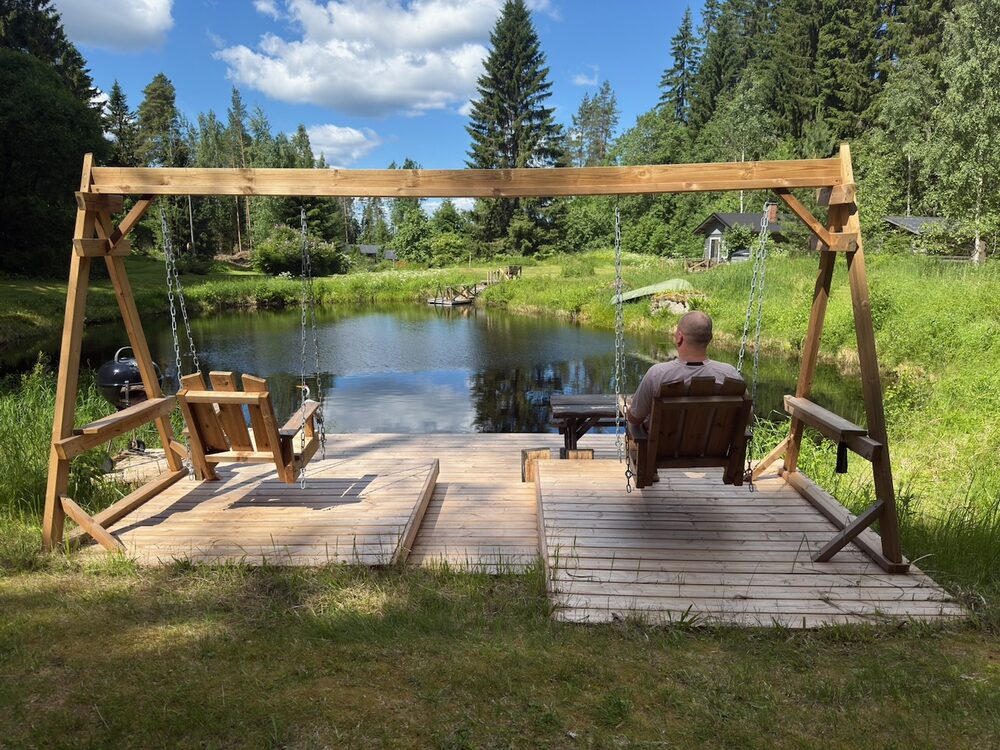
~~~
~~~
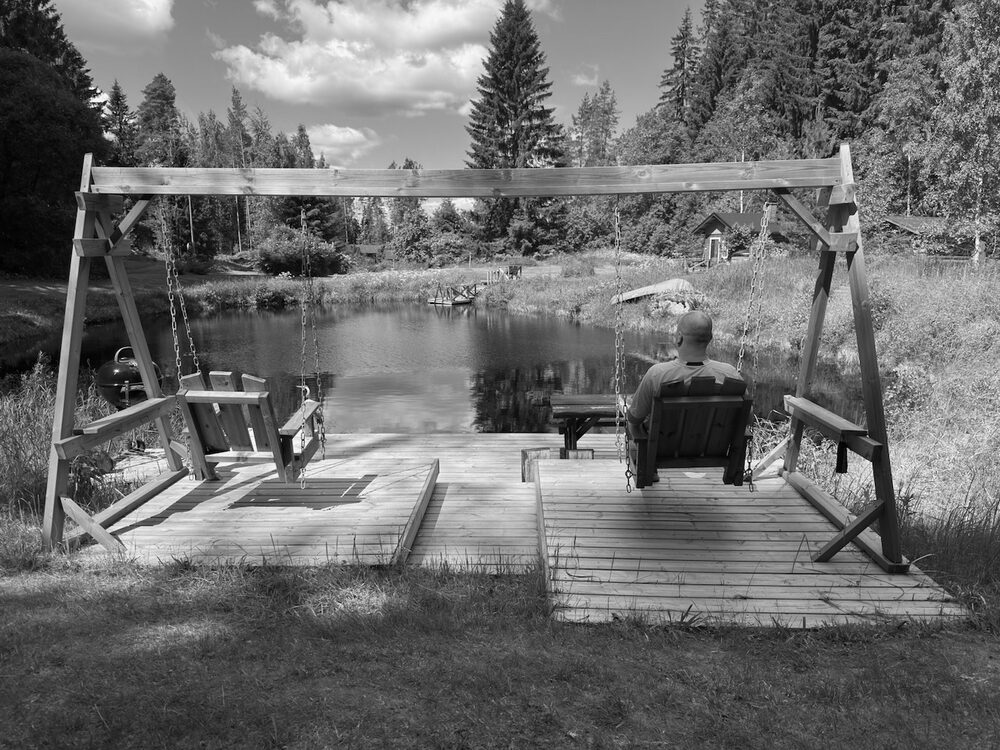
~~~
~~~~~~


Comparison
Before / after
Exactly two images: the first is the “before” slot, the second the “after”. Drag the slider.
|||


|||
Custom start position
A number (0–100) sets the initial slider position.
|||25


|||
Video
Standard controls
The first link supplies the title and src; the first image supplies the poster. <wa-video> is Web Awesome Pro.
;;;
[Sample clip](../assets/video.mp4)
;;;
Full controls
;;;controls:full
[Sample clip](../assets/video.mp4)

;;;
Random content
Random tip
Shows a random subset of its options and hides the rest — zero JavaScript to author.
......mode:random items:1 animation:fade
Tip: press ⌘K to search.
>>>
Tip: star the repo to follow releases.
>>>
Tip: callouts support animated icons.
......
Tip: press ⌘K to search.
Tip: star the repo to follow releases.
Tip: callouts support animated icons.
Autoplay rotation
......mode:random items:1 autoplay autoplay-interval:3000 animation:fade-up
“Best component library I’ve used.”
>>>
“Shipped our marketing site in a weekend.”
>>>
“The docs are excellent.”
......
“Best component library I’ve used.”
“Shipped our marketing site in a weekend.”
“The docs are excellent.”